Water reminders that stop when you're done
Millpond is a calm water tracker app for iPhone and Apple Watch with gentle reminders: they come only in your waking hours, and none once you reach your goal. Free to download, with an optional Pro.
A reminder should be a gentle nudge. Set the hours you're awake and how often you'd like a nudge. When the pond is full for the day, Millpond goes quiet.

How do I get reminded to drink water on iPhone?
Open Millpond's Settings and set your waking hours under Your day. Then turn on Reminders, allow notifications when iPhone asks, and choose how often you'd like a nudge.
- Your hours
- Reminders arrive only inside your waking hours. A day that crosses midnight works too, such as 19:00 to 07:00.
- How often
- Every 30 minutes up to every 3 hours, in steps of 15 minutes.
- When you're done
- Once today's total reaches your goal, nothing more is sent that day.
- A drink moves the next one
- Log a drink and the next reminder moves back.
- With Pro
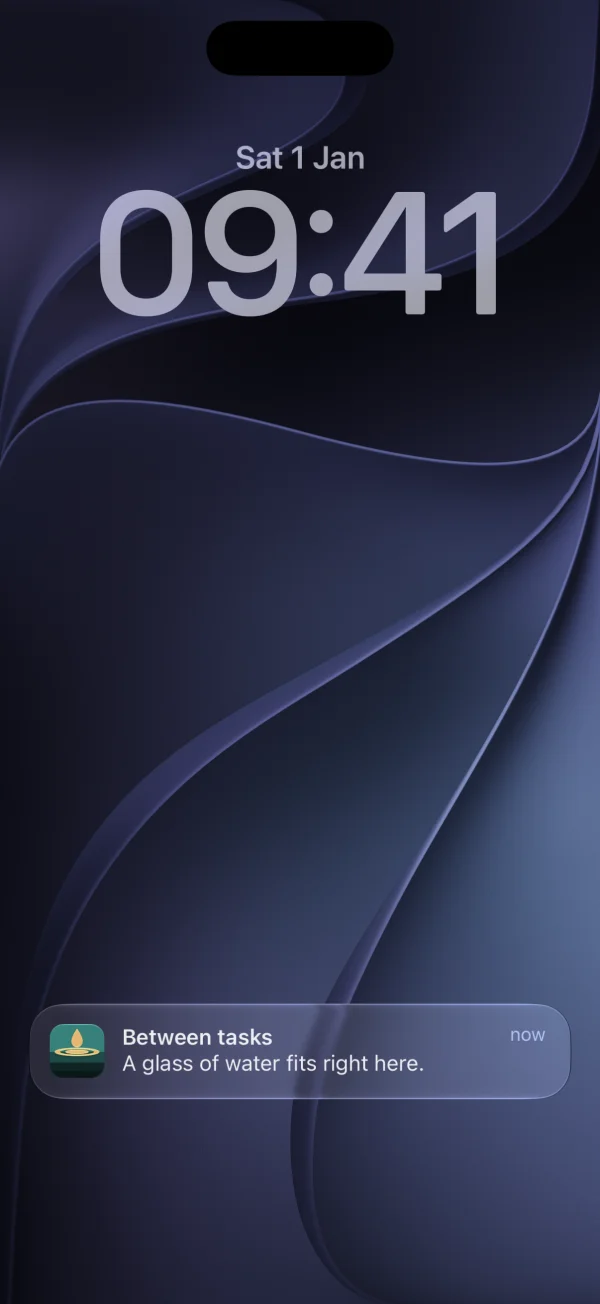
- Reminders can work around your calendar: they wait out meetings and focus blocks, nudge you just before a long run starts, and catch up once it ends. Reminders around your meetings
What you won't find
A reminder at night. A reminder after you've reached your goal. Ads. A streak to keep up.
Questions
- Do I need Pro to get water reminders?
- No. Reminders every 30 minutes to 3 hours, inside your waking hours, come with the app. With Pro, reminders can also work around your calendar.
- Will Millpond remind me at night?
- No. Reminders stay inside the waking hours you set, including hours that cross midnight, and stop once you reach your goal.
- Do reminders show on my Apple Watch?
- Millpond's Watch app sends no reminders of its own. Reminders come from your iPhone and show on your Watch when your phone is locked and nearby. Millpond on Apple Watch