A calm water tracker on your wrist
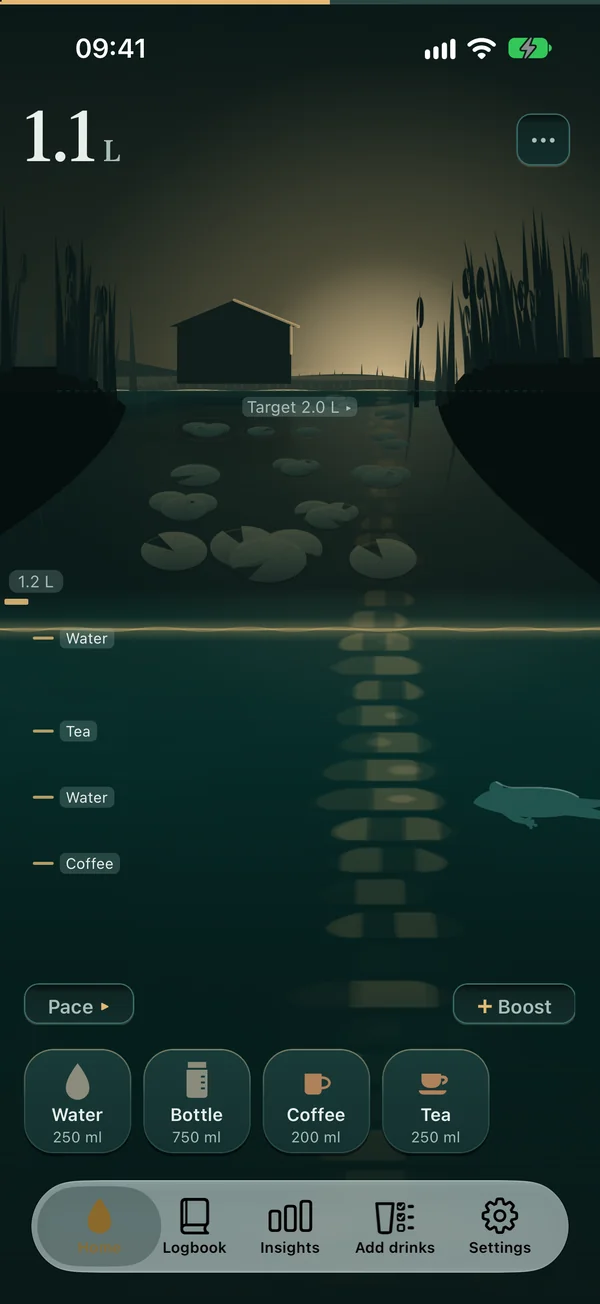
Millpond is a calm water tracker for iPhone and Apple Watch. Tap to log a drink, turn the Digital Crown to set the amount, and the pond on your iPhone fills to match. Free to download, with an optional Pro.
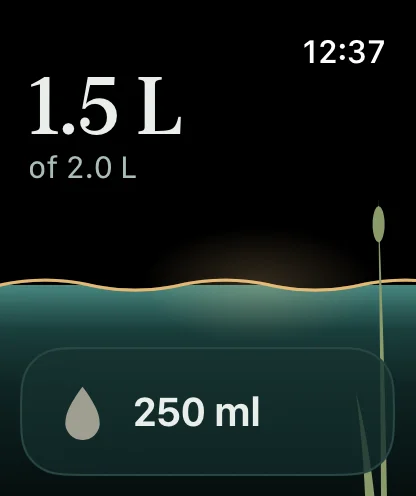

Millpond on Apple Watch
- A tap
- Tap to log a drink, without taking out your phone.
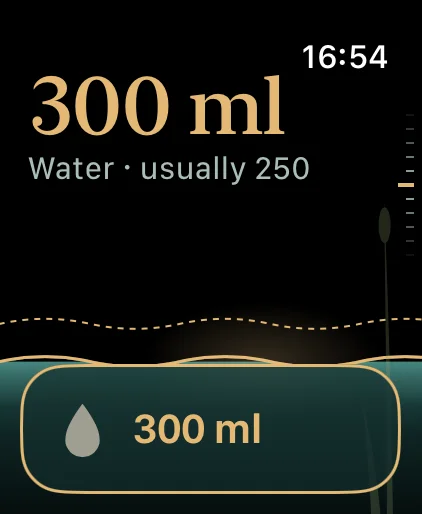
- The Crown
- Turn the Digital Crown to set the amount before you tap.
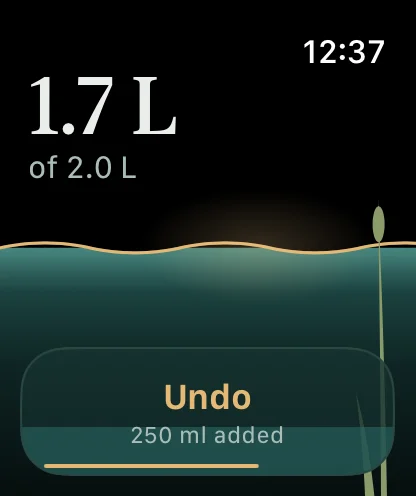
- Your pond
- The drink lands in Millpond on your iPhone, and the pond fills to match.
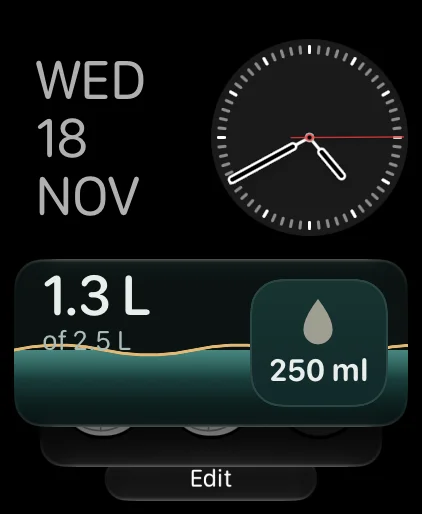
- Your day
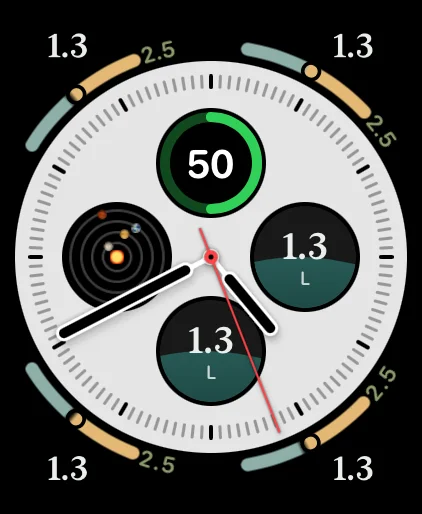
- A complication and a Smart Stack card show the day.
- No Pro needed
- Logging with a tap and the Digital Crown needs no Pro.
- Set up once
- Set Millpond up on your iPhone once, before you log from your Watch.
What the Watch app does not do
Millpond's Watch app needs your iPhone to set up, and it sends no reminders of its own. Reminders come from your iPhone and show on your Watch when your phone is locked and nearby. How reminders work
Questions
- Does Millpond work on Apple Watch?
- Yes. Tap to log a drink and turn the Digital Crown to set the amount. Set Millpond up on your iPhone once first.
- Does Millpond send reminders from my Apple Watch?
- Millpond's Watch app sends no reminders of its own. Reminders come from your iPhone and show on your Watch when your phone is locked and nearby.
- Does logging from Apple Watch need Pro?
- No. Logging with a tap and the Digital Crown needs no Pro. Millpond is free to download, with an optional Pro.
- Can I see my day on my watch face?
- Yes. A complication and a Smart Stack card show the day.