What you get
Millpond is free to download, with an optional Pro. This is what the app does today.
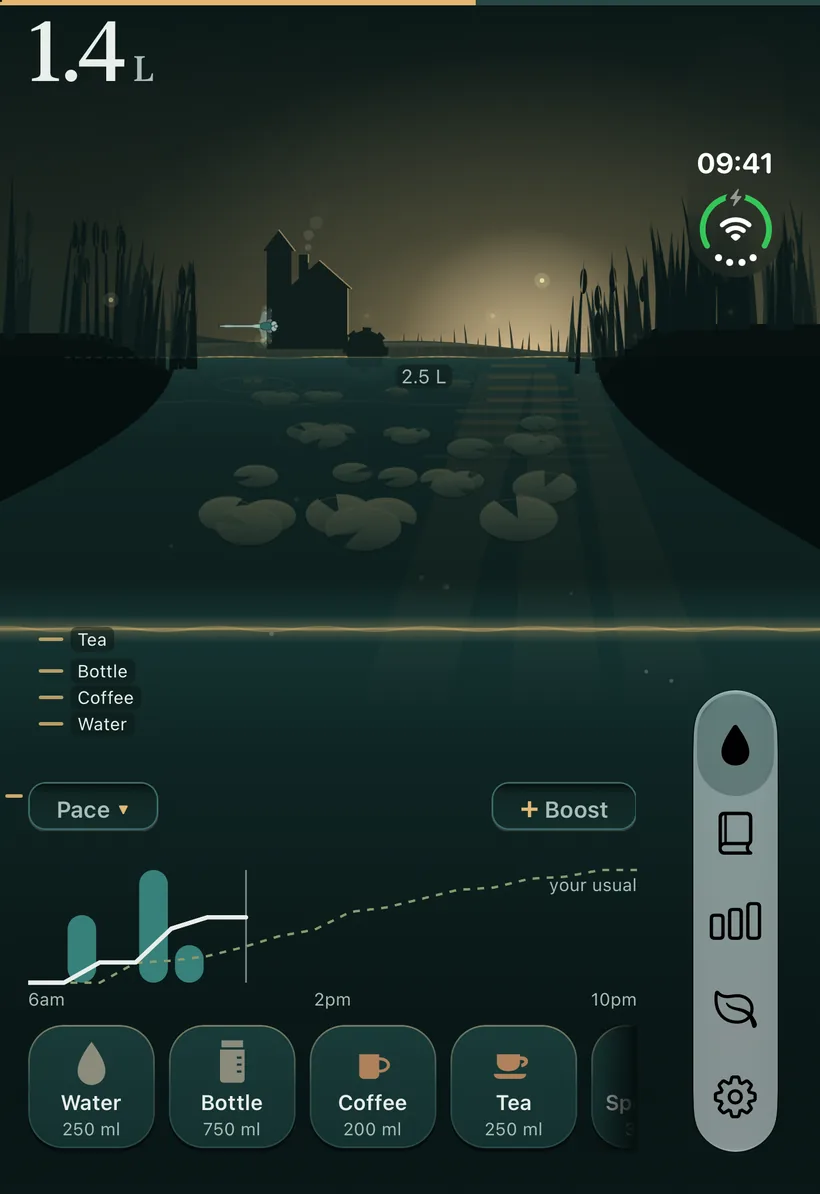
Log a drink
- One tap
- Tap one of ten drink tiles and the water rises.
- Any amount
- Hold a tile and swipe sideways to log a custom amount.
- Your own drinks
- Add up to 12 custom drinks, each with a hydration factor.
- Undo
- Undo a log for five seconds after you make it.
Your day
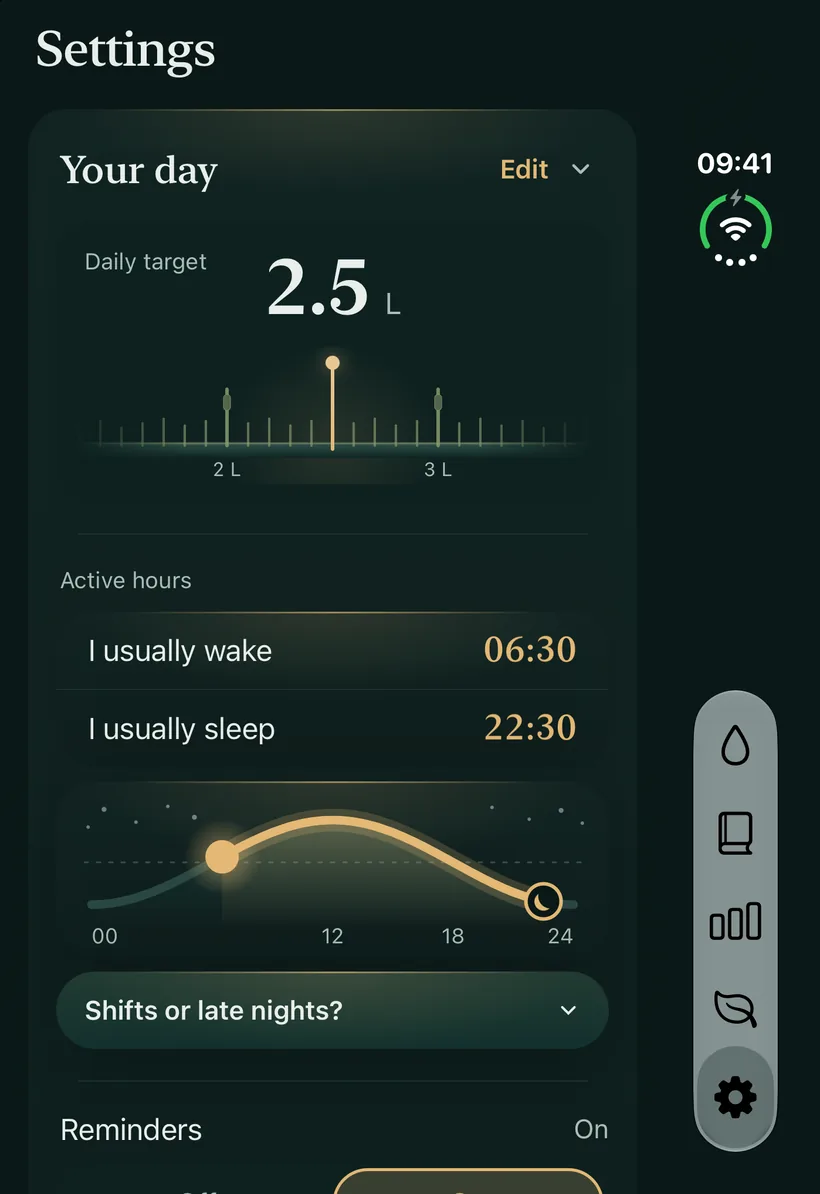
- Daily target
- It starts from a suggestion based on your weight, then it is yours to set.
- Boosts
- Add +250, +500 or +750 ml to today, or a workout boost, always within an upper limit.
- Pace
- A pace line and chart on Home show where today is heading.
- Reminders
- Reminders arrive at a fixed interval you set.
- Units
- Use millilitres or fluid ounces.
Look back
- Logbook
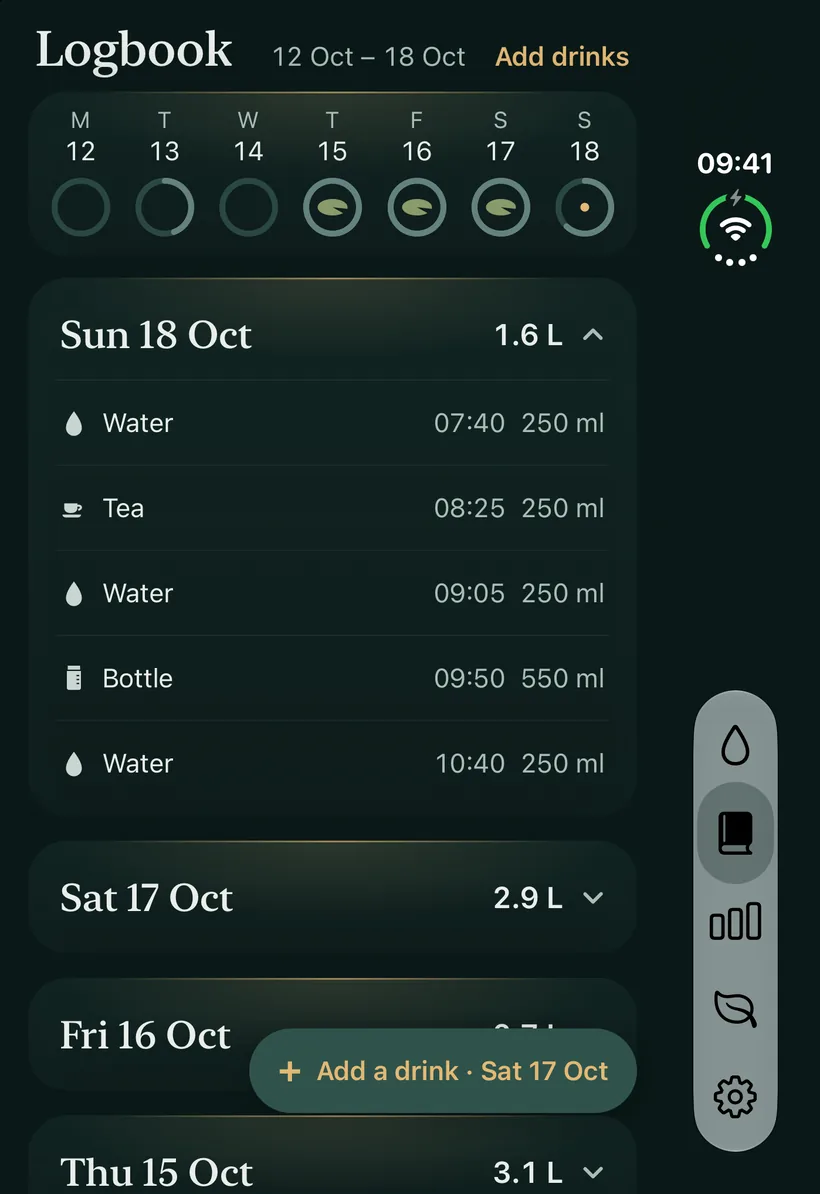
- Edit or delete any log, with no look-back limit.
- Ranges
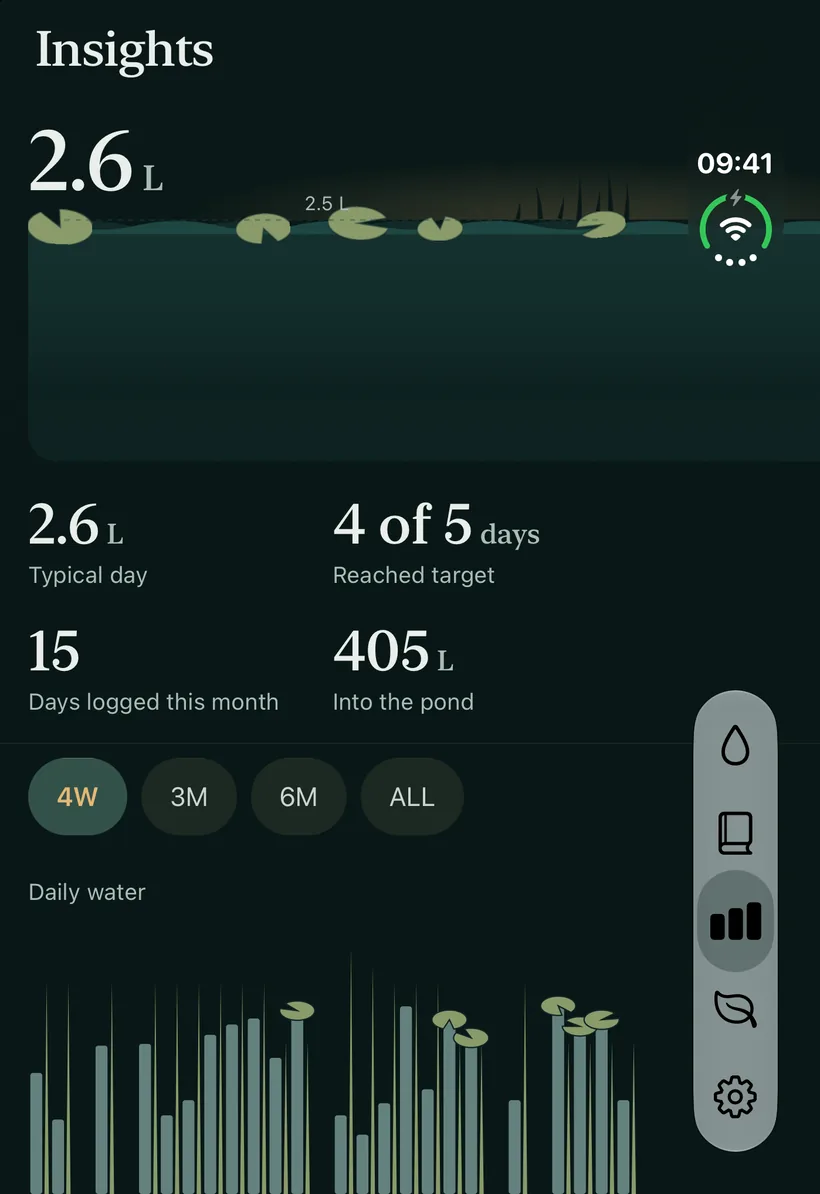
- Insights covers 4 weeks free. With Pro it also covers 3 months, 6 months, 1 year and all time, with longer ranges appearing as your history grows.
- Shapes
- See a week's shape, a drink mix, and a curve of a typical day with today's line over it once you have 7 logged days.
- Monthly recap
- With Pro, replay your month and share it as an image.
Around your phone
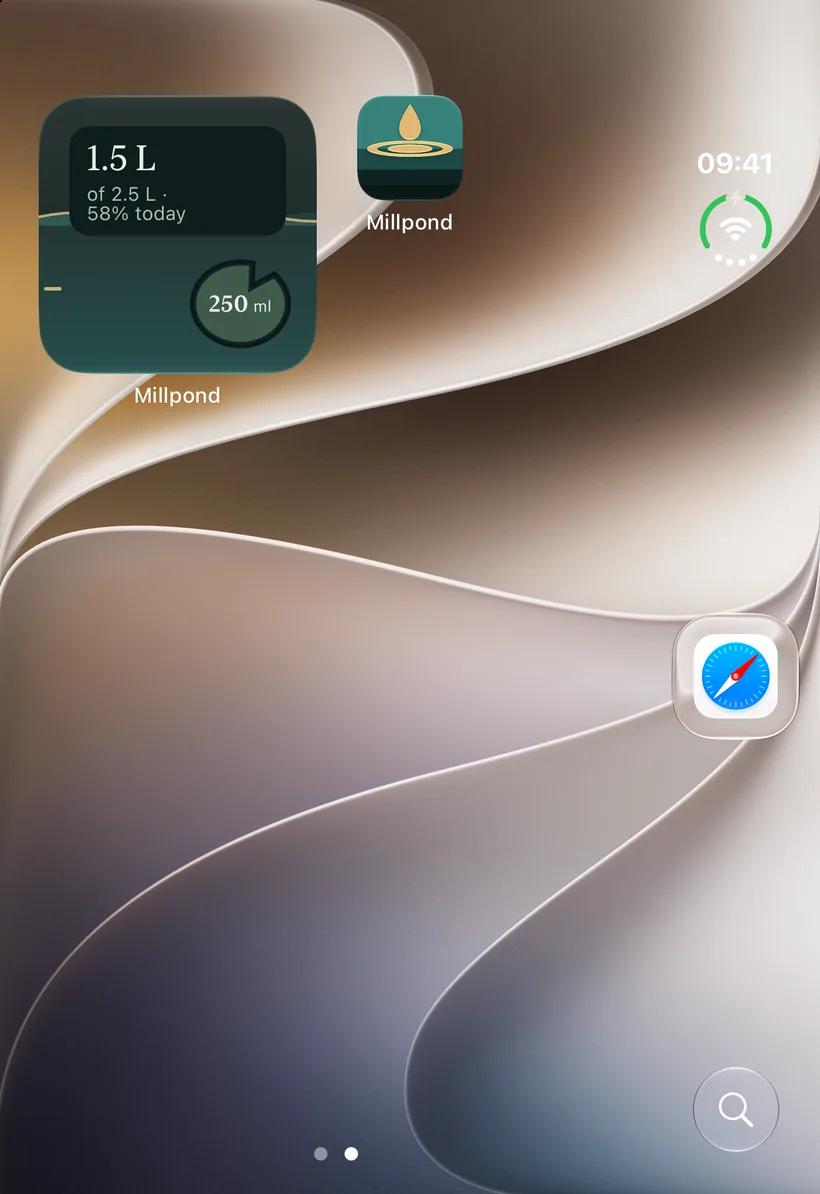
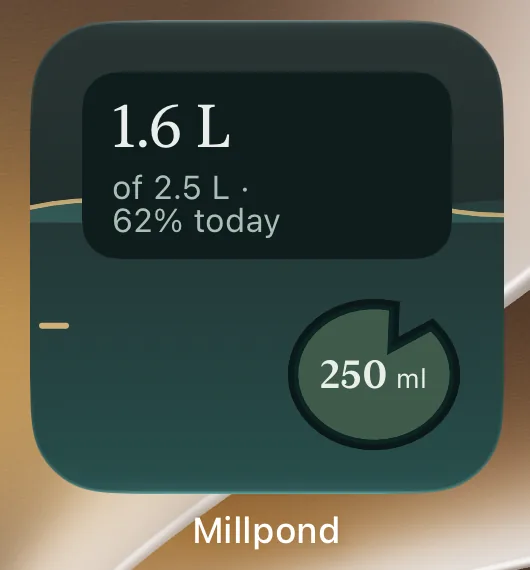
- Home Screen widget
- The small widget logs a cup, 250 ml or 8 fl oz of water, without opening the app. The medium widget has four drink buttons.
- Siri and Shortcuts
- Ask Siri to log one of the ten built-in drinks, or add it to a Shortcut.
- Apple Health
- Read, write and workout boost are all off until you turn them on.
- iPhone Duo
- The layout follows the fold, with a tab bar that becomes a pill on the outer display.
Calm by design
- A ripple
- A ripple crosses the water when you log, and Millpond respects Reduce Motion.
- Pond stream sound
- An optional pond stream sound is off by default.
- No pressure
- No ads, no streaks to break, no pets that suffer.
- Your data
- What you drink stays on your iPhone and in your own backups.