How do I fix or add a missed water entry?
To fix a wrong water entry, change its amount, time or drink, or delete it. To add one you missed, choose the day and the time you drank it and log it there. In Millpond, adding drinks to a day is refused if it would take that day past 8 L, which catches typos. Tap a drink in the Logbook to edit or delete it, or add a drink up to 30 days back. None of it needs Pro.

How do I fix a wrong amount, time or drink?
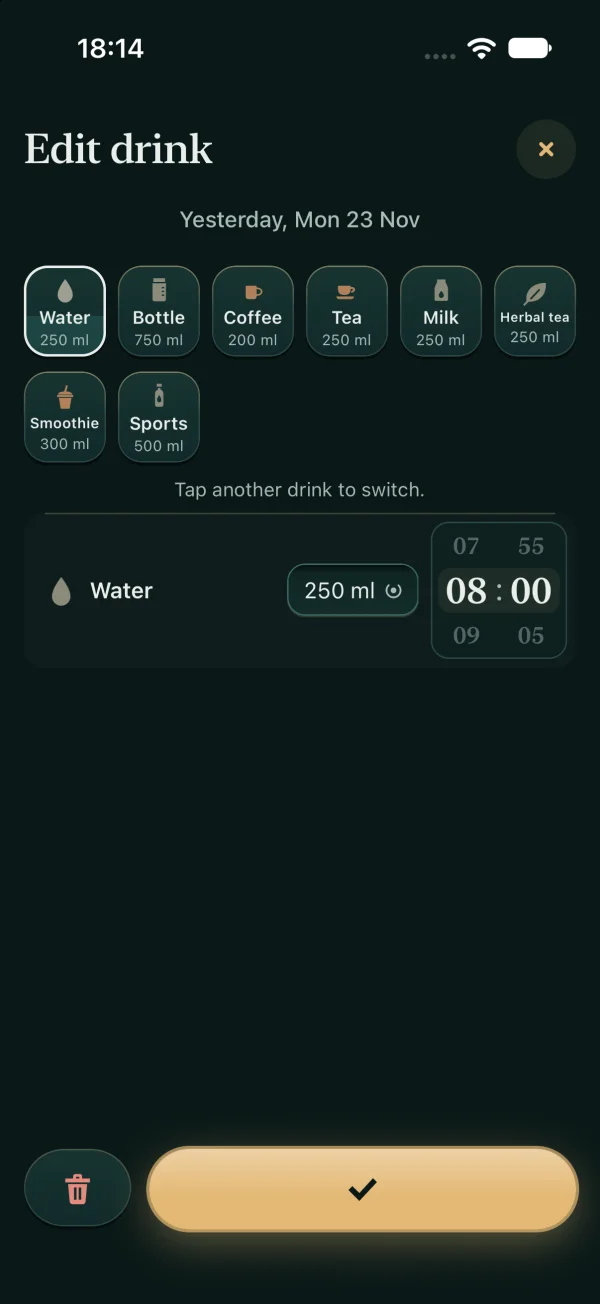
Open the Logbook, tap the day to open it, then tap the drink. The “Edit drink” sheet lets you change the amount, the time and the drink type. Tap the tick to keep the change.
To remove the entry instead, tap the bin in the same sheet, or swipe the drink away in the day’s list. After a save or a delete, an accidental press can be undone. Water that came in from other apps is read-only.
How do I add a drink I forgot to log?
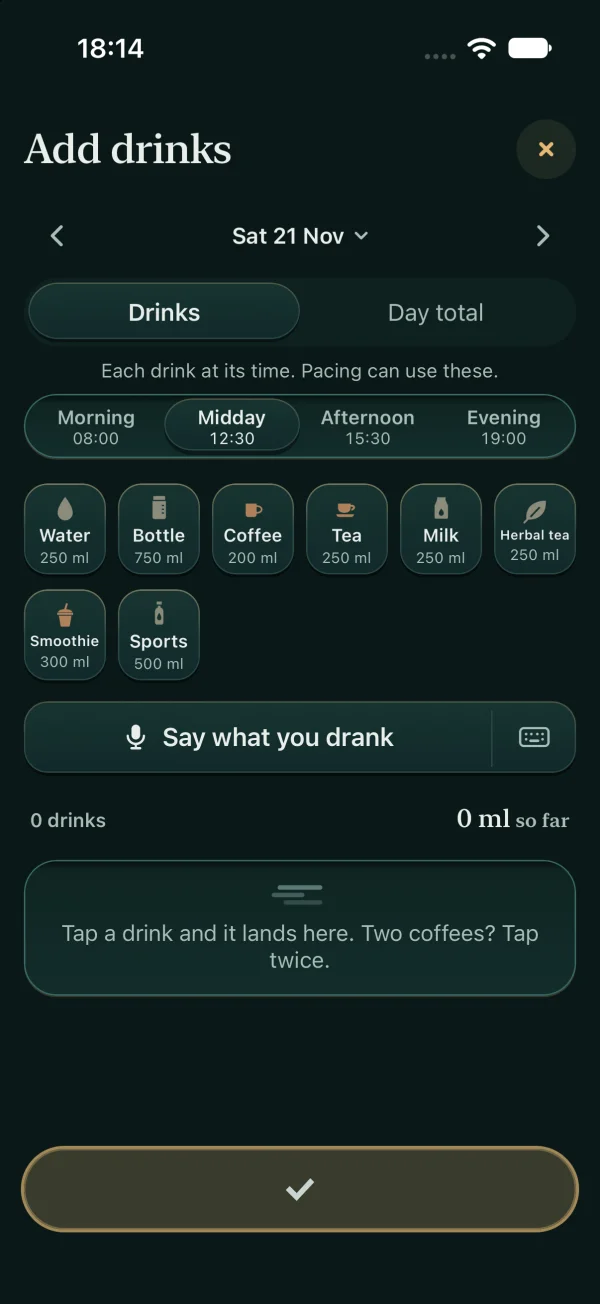
Tap “Add a drink” in the Logbook, which names the day it will add to. Use the arrows beside the day at the top of the form to step to an earlier one. You can go back 30 days. Set the time you had each drink, then tap the tick.
If you remember a day’s total but not the separate drinks, choose “Day total” on a past day with nothing logged, enter the amount and save. A day that already has a total takes no separate drinks. Edit its total in the Logbook instead.
Is there a limit?
Two. You can add drinks up to 30 days back, not further. And adding drinks or a day total is refused if it would take that day past 8 L. Millpond says “That would pass the daily limit.” The limit is there to catch typos, such as an extra zero.
Does fixing or adding an entry need Pro?
No. Editing, deleting and adding past drinks are part of the free app. Millpond is free, with an optional Pro, and the Logbook and everything you have logged stay free.
Log your next glass in Millpond.
Free, with an optional Pro.