The beautifully calm water tracker.

A hydration tracker built for iPhone Duo. One tap logs a drink, and the water rises to meet it.

Download on the App Store

Free to download, with an optional Pro. No ads, no streaks to break. What you get

Open it, and the pond spreads out.

On the inner display the water runs the width of the screen. Insights sits beside it: your daily bars, how the pond fills through the day, the week's shape and your drink mix.

Fold it, and the pond comes with you.

On the outer display the pond stays. Drink buttons sit along the bottom or down the side, and the tab bar becomes a pill on the edge.

Open Pace to see where the day is heading.
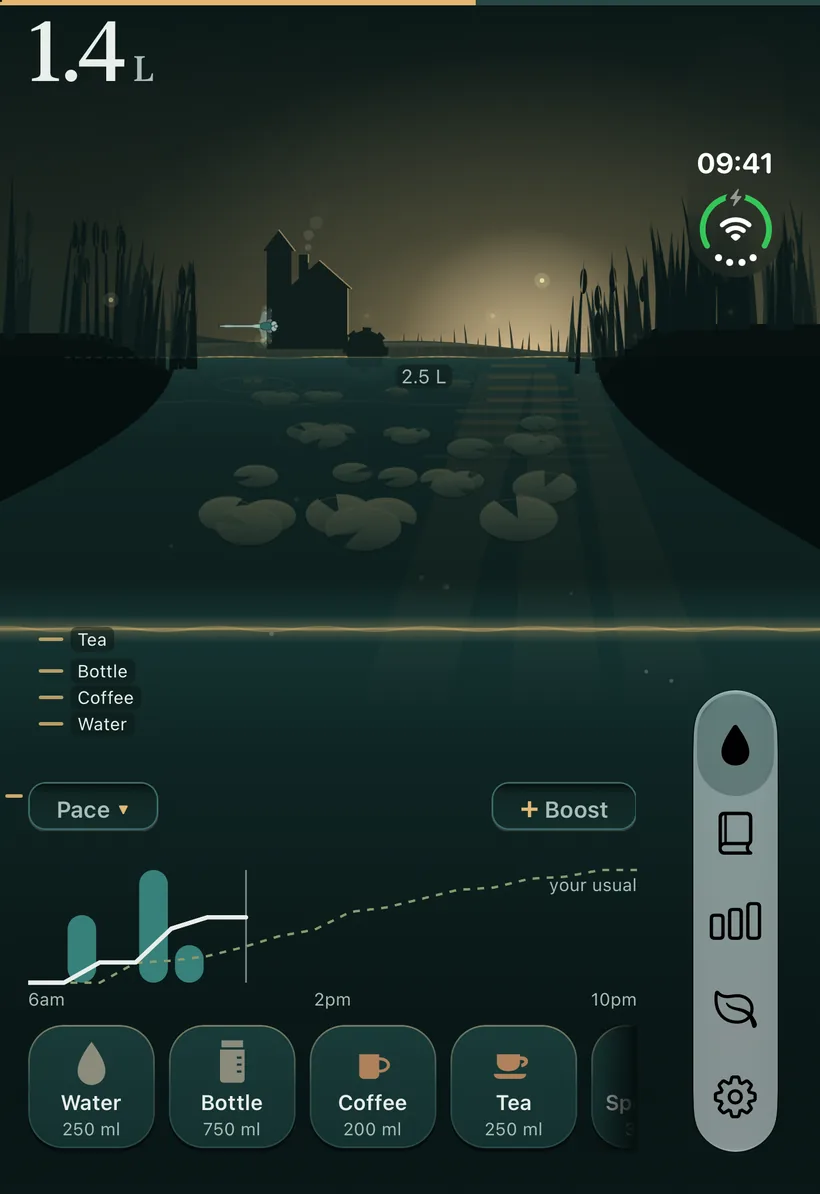
Home on the folded outer display with the Pace chart open: teal bars for the drinks so far and a dotted line on to the evening.

One tap from the Home Screen.

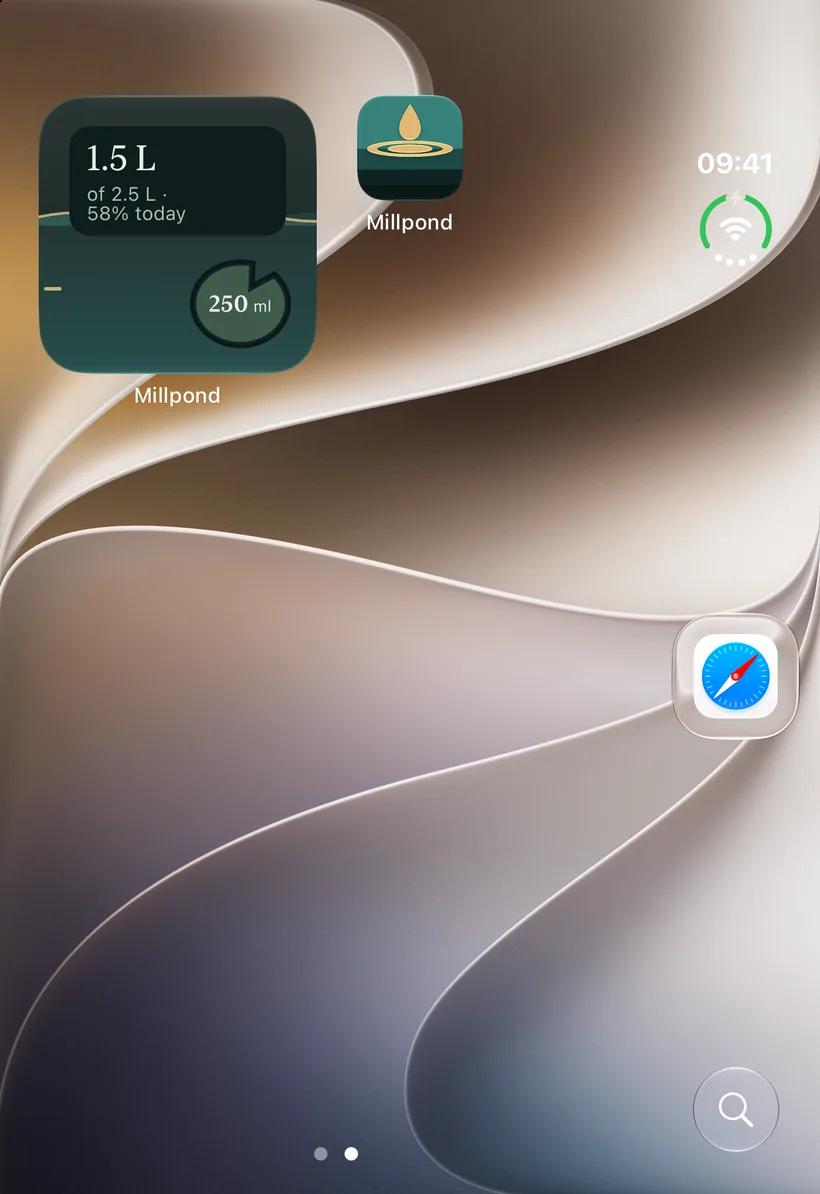
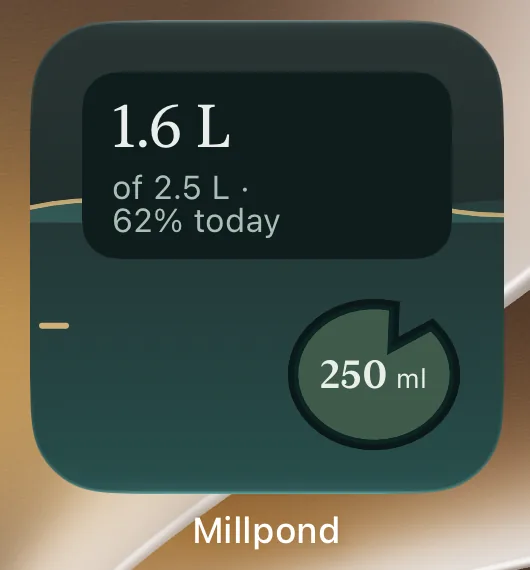
The small widget shows the day so far. Tap the lily pad and a cup is logged, without opening the app. The medium widget adds four drink buttons.

The folded iPhone Duo Home Screen with the small Millpond widget: 1.5 L of 2.5 L, 58% today, with a button that logs a drink in one tap.

Still water.
A ripple when you drink.

  • No streaks to break.
  • No pets that suffer.
  • No missed-day messages.

Reminders are gentle: only in the hours you choose, and none once you reach your goal. Tomorrow starts fresh.
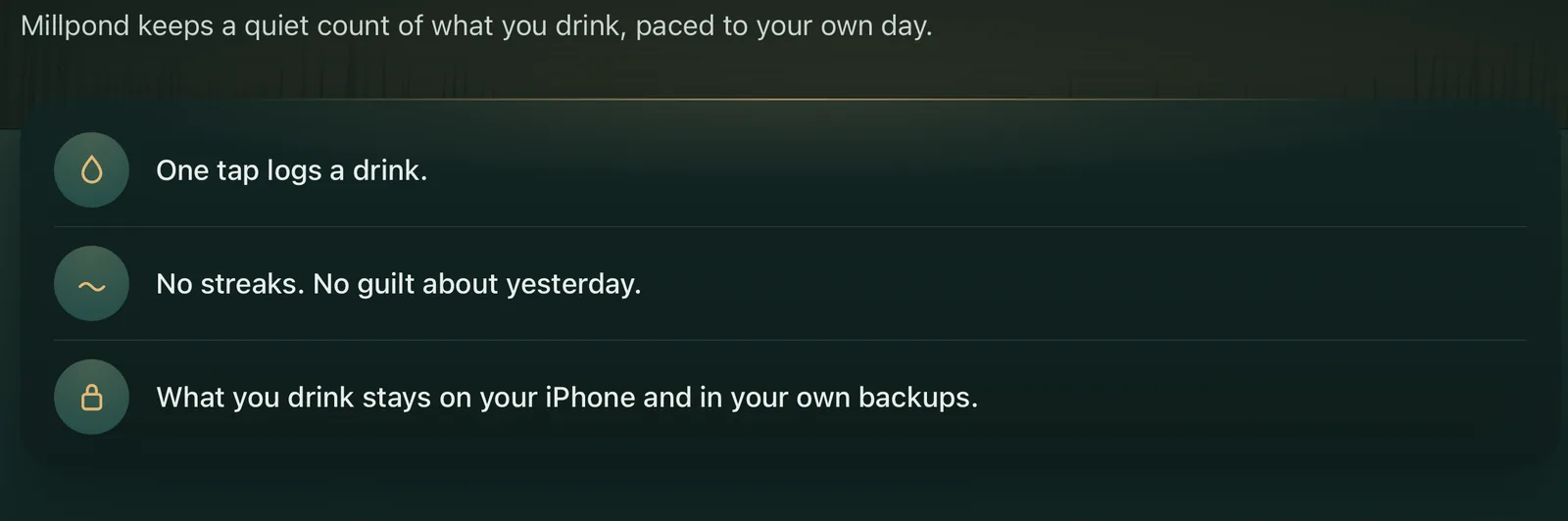
Part of Millpond's onboarding on the unfolded display, over a dusk pond: 'Millpond keeps a quiet count of what you drink, paced to your own day.' Three promises follow, each with a small icon: one tap logs a drink; no streaks, no guilt about yesterday; what you drink stays on your iPhone and in your own backups.

Your days, noticed.

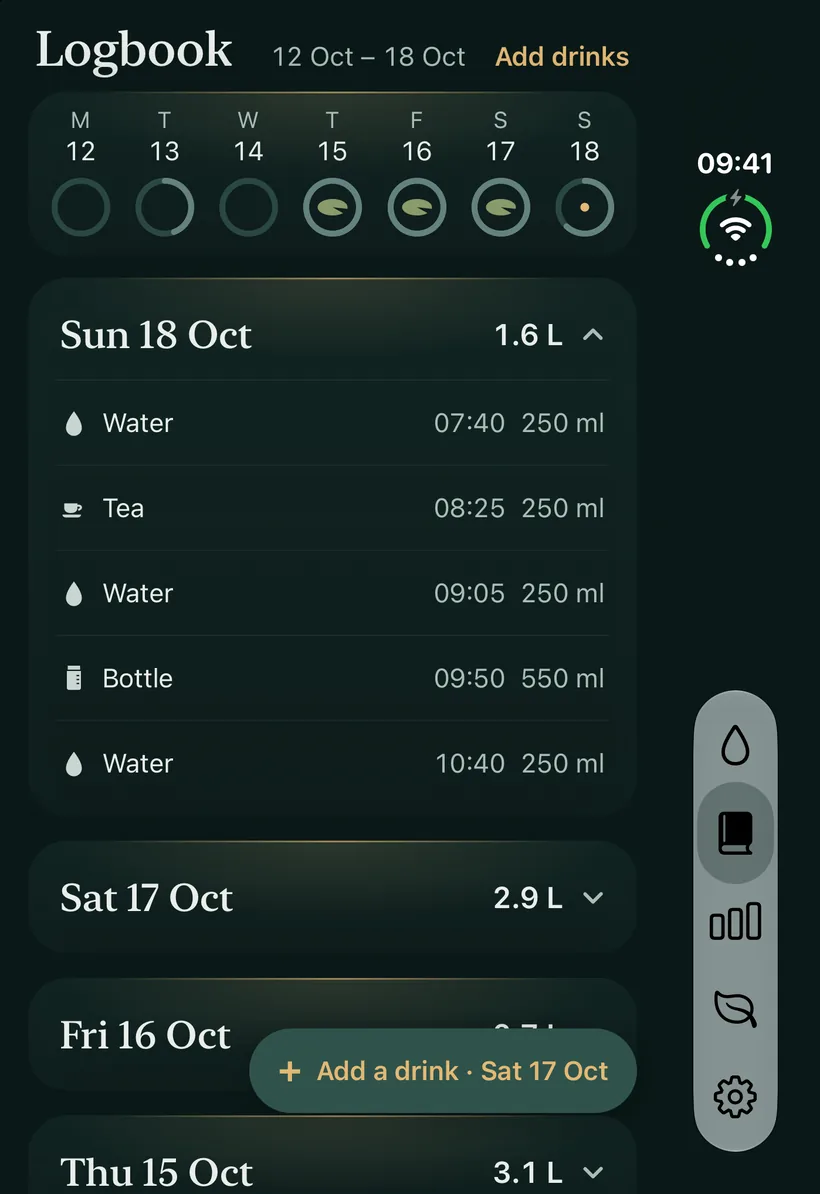
The Logbook keeps every drink, to edit or to remove. Insights reads your weeks and months back to you, and gives no score or rank.

Both are built on your phone, for you.
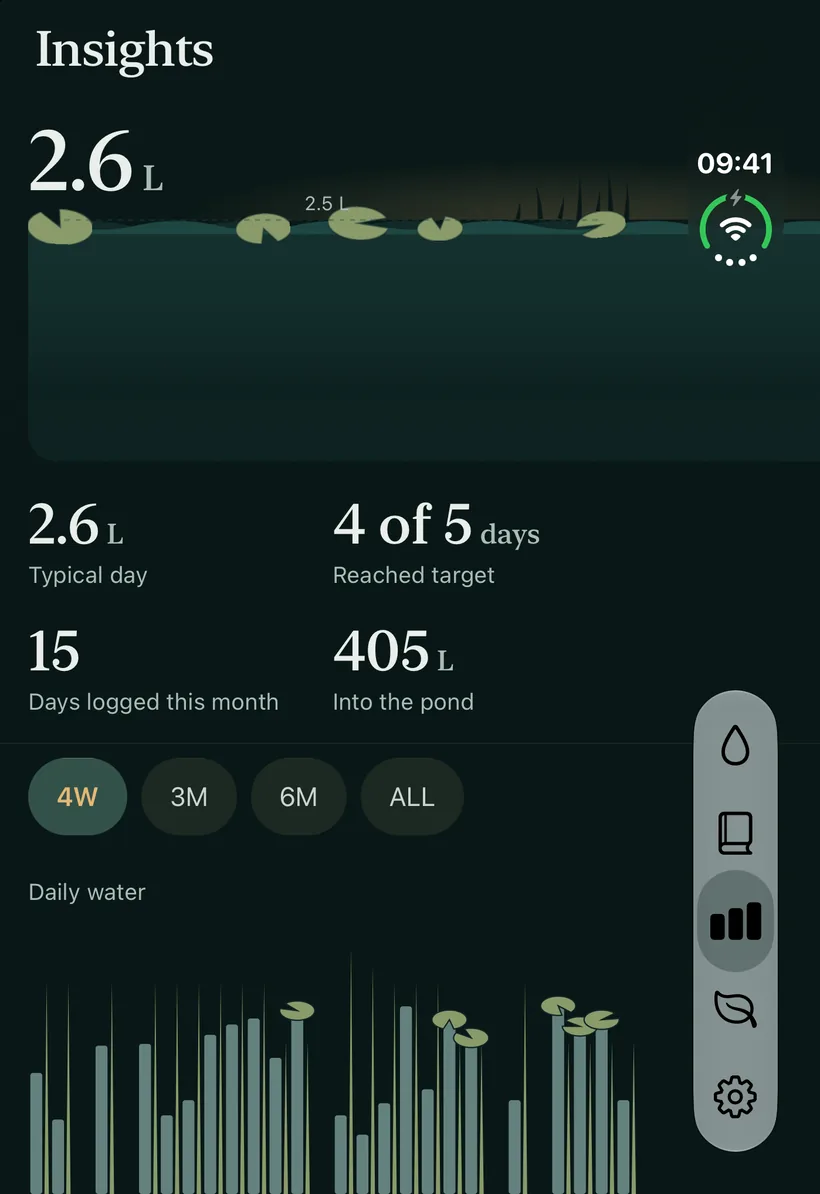
Insights on the outer display: a 2.3 L typical day, 7 of 7 days reached target, 7 days logged this month and 59 L into the pond, above a row of daily water bars topped with lily pads.
The Logbook on the outer display: today's water and two coffees with their times and amounts, and earlier days listed below with their totals.

Yours to set.

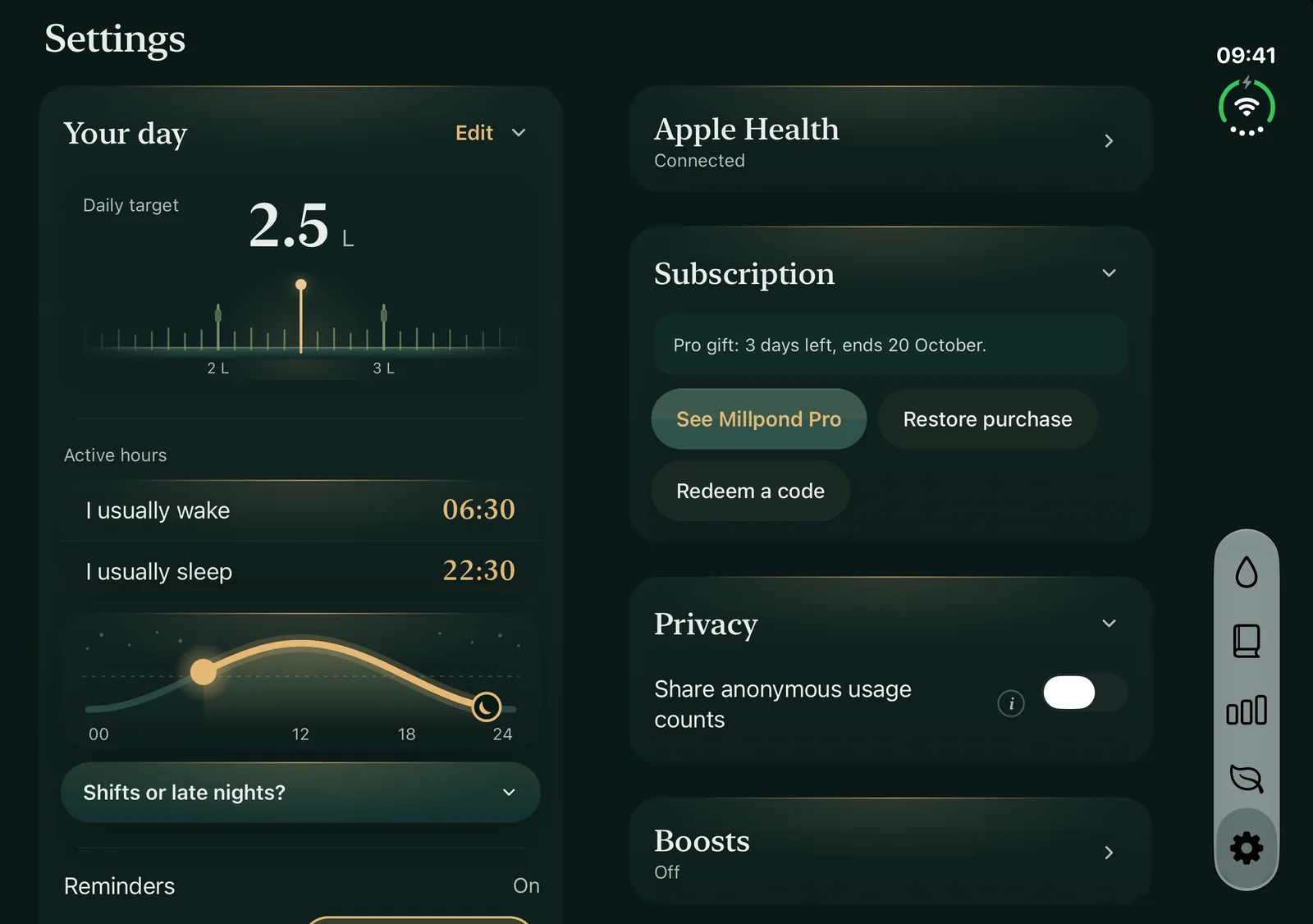
Settings on the unfolded display, Your day: a 2.5 L daily target and the waking and sleeping hours drawn as a curve through the day.
Your goal
Start from a suggestion or set your own on the ruler. A starting point, not medical advice.
Your hours
Tell it when you wake and sleep, and pace follows your day.
Apple Health
Works in both directions, and stays off until you turn it on.
Your data
What you drink stays on your iPhone and in your own backups.

Millpond is made for iPhone Duo.

Download on the App Store